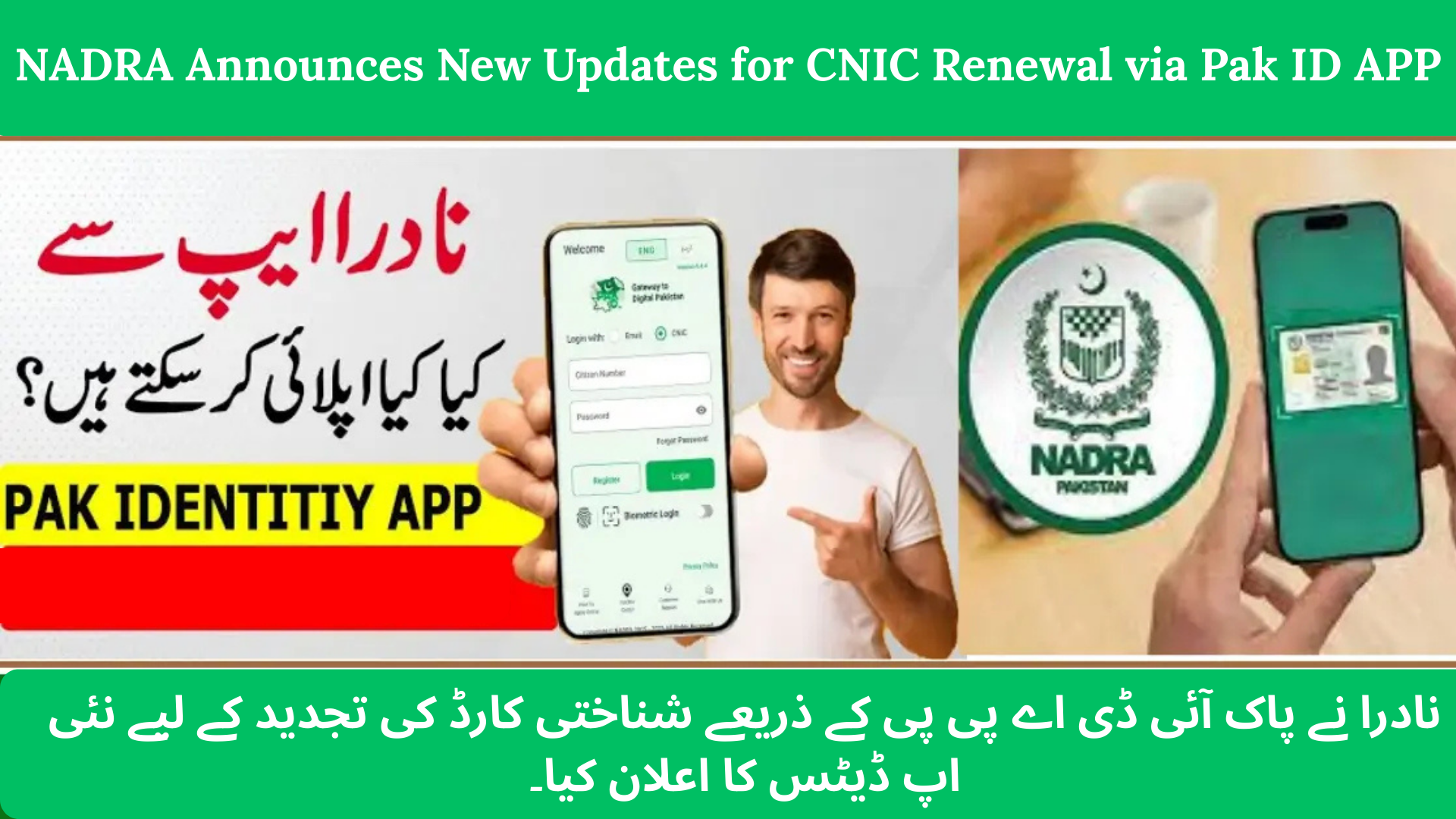

NADRA Announces New Updates for CNIC Renewal via Pak ID APP. The National Database and Registration Authority (NADRA) has introduced important updates to make CNIC renewal through the Pak ID app faster, easier, and more secure. Pakistani citizens can now renew their CNIC completely online and receive the renewed card at their home address, without visiting a NADRA office.
This digital upgrade removes long queues, saves time, and improves access for people living in remote areas and overseas Pakistanis.
CNIC Renewal via Pak ID App
| Service | Start Date | Validity | Fee | Application Method |
|---|---|---|---|---|
| CNIC Renewal via Pak ID App | Mid-2025 | Ongoing | Normal: Rs 400 Urgent: Rs 1,150 Executive: Rs 2,150 | Online (Pak ID mobile app) |
Fees and processing details are based on official NADRA updates for 2025.
Why NADRA Introduced Online CNIC Renewal
The Growing Need for Digital Services
Earlier, renewing a CNIC required visiting a NADRA center, filling out forms, waiting in long lines, and sometimes returning multiple times for biometrics. This process was slow and inconvenient.

With widespread smartphone and internet access, NADRA shifted to a mobile-based solution. The Pak ID app allows citizens to renew or update their CNIC from home, making identity services more accessible and efficient.
This step also aligns Pakistan with global digital government trends.
Key Features of the Pak ID App (Latest Version)
The updated Pak ID app (Version 5.x in late 2025) offers several user-friendly features:

- Real-time application tracking inside the app
- Biometric verification using face or fingerprint via mobile camera
- Digital signature without visiting a NADRA office
- Photo and document upload directly from your phone
- Secure online payments via debit/credit cards, Easypaisa, JazzCash, and e-Sahulat
- Home delivery of the renewed CNIC
These features make the process transparent, secure, and hassle-free.
How to Renew CNIC Using Pak ID App
Step 1: Download the Pak ID App
Install the official Pak ID app from the Google Play Store or Apple App Store.
Step 2: Register or Log In
Create an account using your mobile number and email. Complete biometric verification to secure your profile.

Step 3: Select “CNIC Renewal”
From the dashboard, choose the CNIC Renewal option to begin your application.
Step 4: Enter Details and Upload Documents
Fill in personal and family information, take a recent photo through the app, and upload required documents.
Step 5: Complete Biometric Verification
Follow the app instructions for fingerprint or face verification and add your digital signature.

Step 6: Pay the Fee Online
Choose a payment method and pay according to your selected service type (Normal, Urgent, or Executive).
Step 7: Submit and Track Your Application
Submit your application and track its progress, from submission to printing and dispatch.
Step 8: Receive CNIC at Home
Once ready, NADRA will deliver your renewed CNIC to your provided address.

Important Warning: Avoid Fake Websites and Agents
NADRA has warned citizens about fake websites and unauthorized agents offering CNIC services. One fraudulent site, idcardtracking.online, was found impersonating NADRA.
Citizens—especially overseas Pakistanis—should use only the official Pak ID mobile app. NADRA has reported such scams to the National Cyber Crime authorities for investigation.
Why This Update Matters in 2025
- Makes CNIC renewal accessible nationwide, including rural areas
- Saves time, travel costs, and physical effort
- Helps overseas Pakistanis renew CNICs without agents or travel
- Reduces fraud and identity theft risks
- Improves transparency and service efficiency
Conclusion
The NADRA CNIC renewal update via the Pak ID app is a major step toward digital convenience for Pakistani citizens. From application to payment and home delivery, the entire process can now be completed on your smartphone. To stay safe, always use the official Pak ID app and avoid third-party agents or suspicious websites. This update makes identity services faster, safer, and more accessible for everyone in Pakistan and abroad.